
Background shadow
Jax
Surendra.Design
Gen-AI & Marketing Expert
Click to see my bio
Jax
Surendra.Design
Gen-AI & Marketing Expert
Click to see my bio
See what I’ve built
159+ Learners Worldwide

Generate AI Images
Like Me!
- With FREE Tools Only

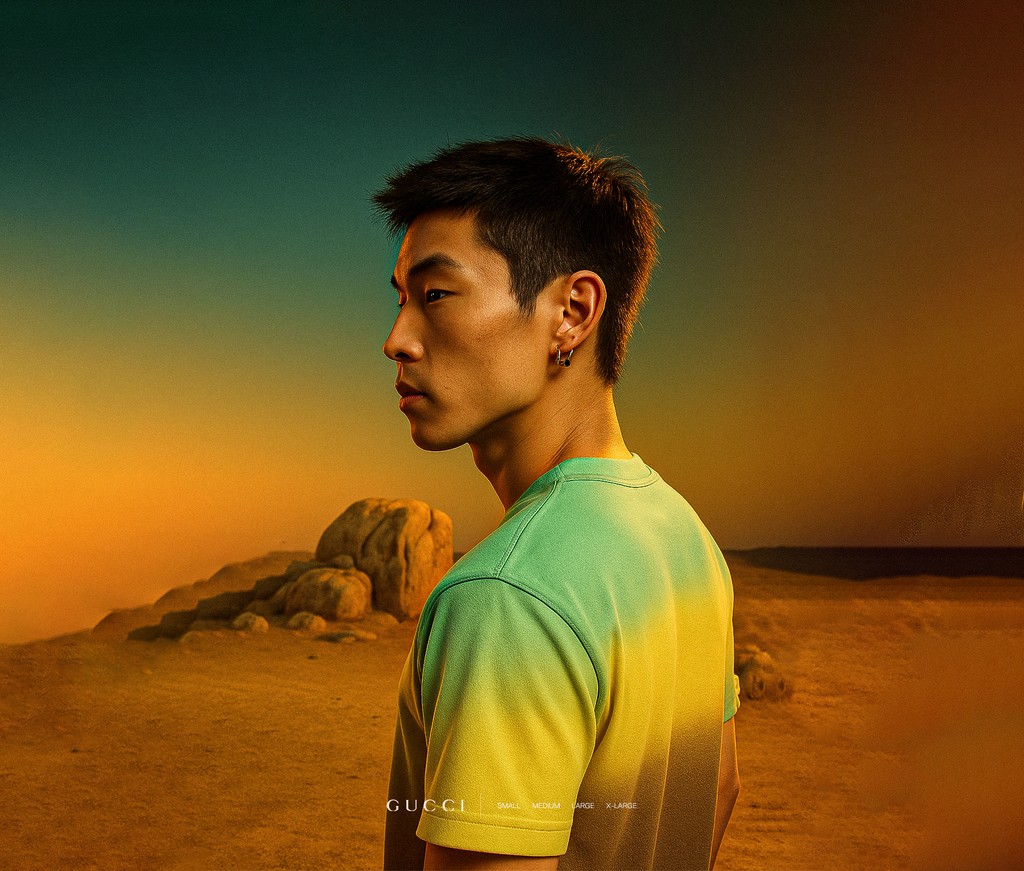
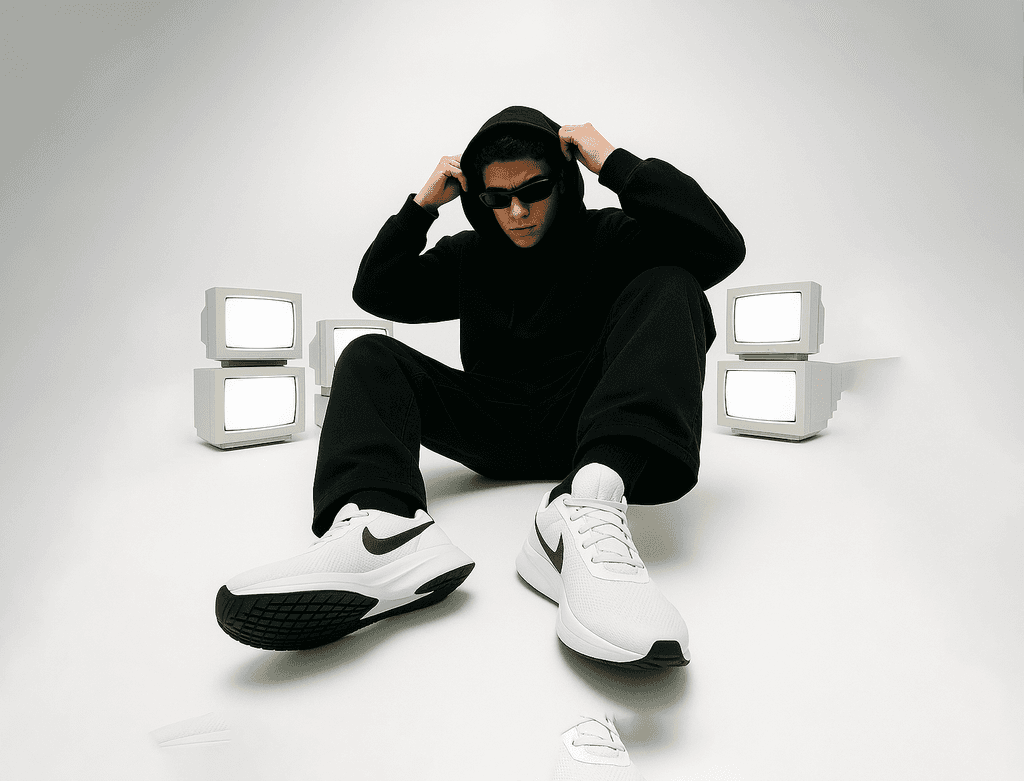
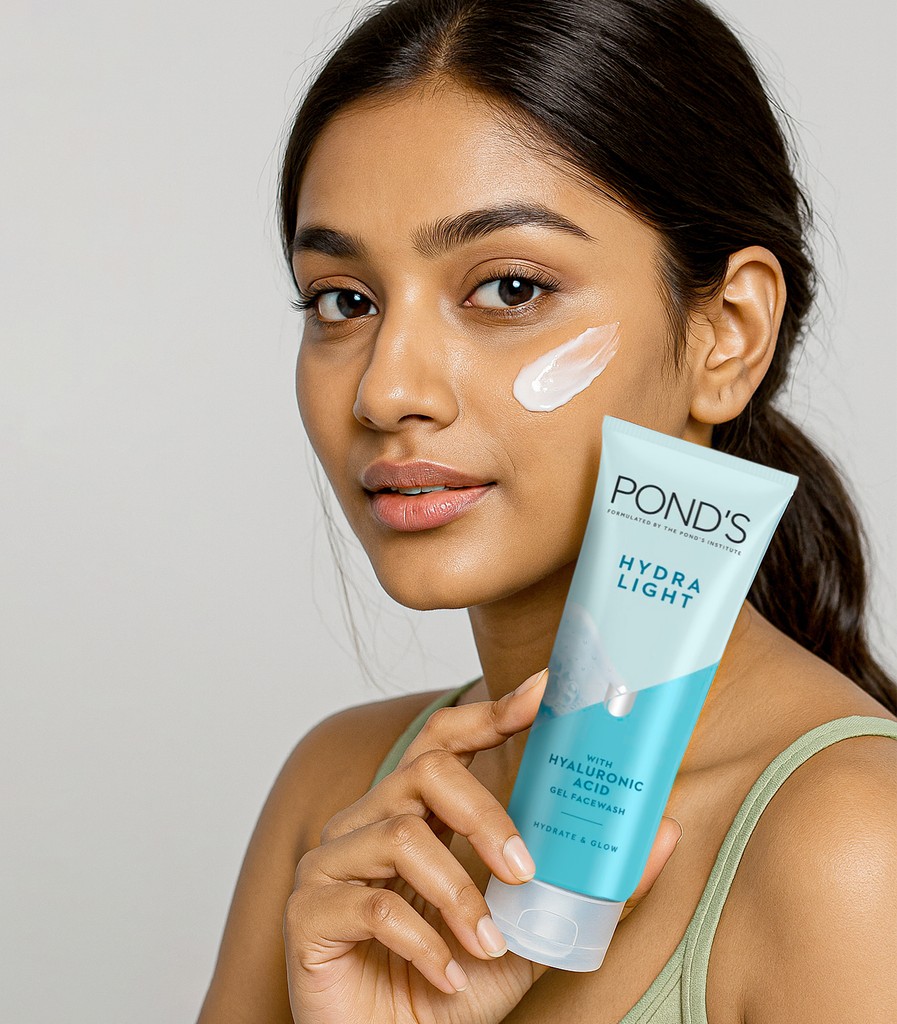
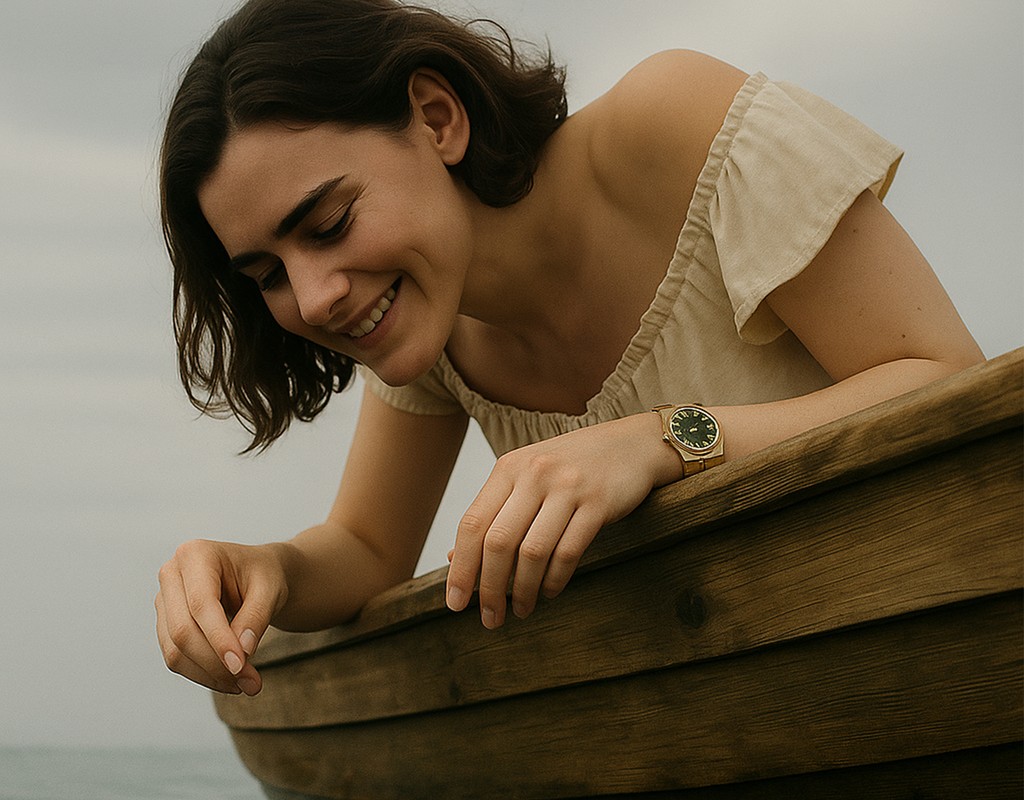
A step-by-step course for small business owners to create professional, realistic, scroll-stopping visuals — without photographer, designers, paid tools, or technical skills.

Real Student-Style Visuals

See What You’ll Be Able to Create

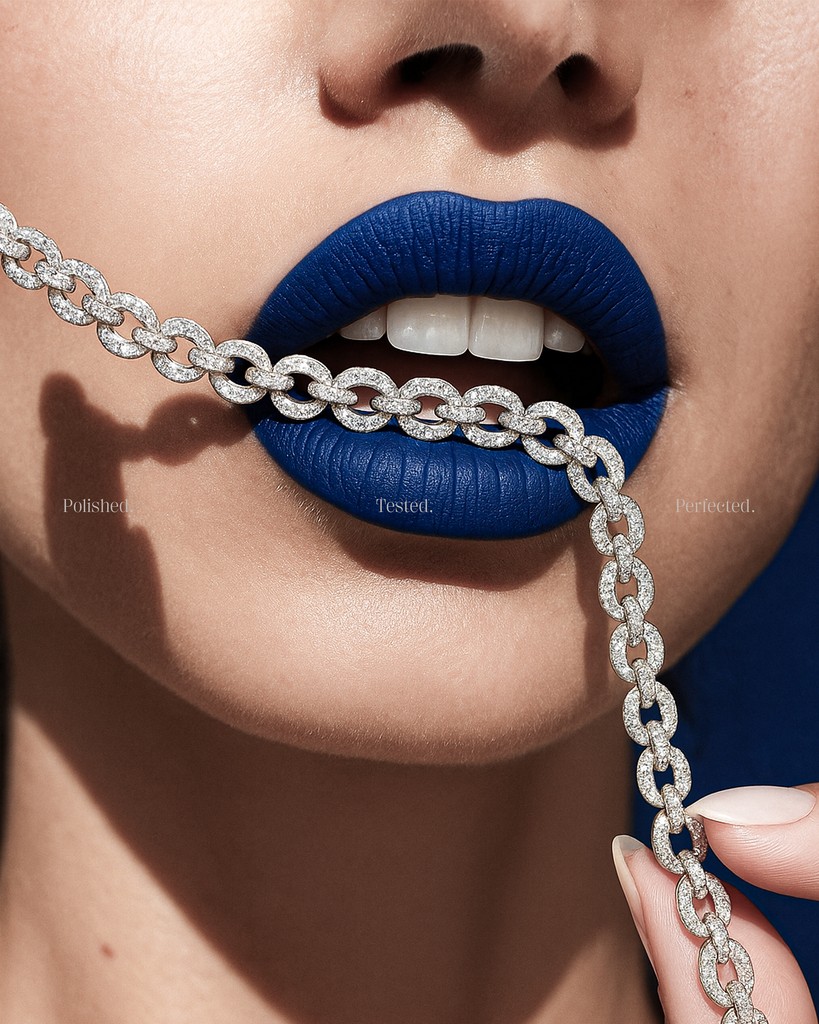
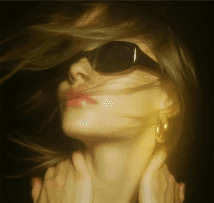
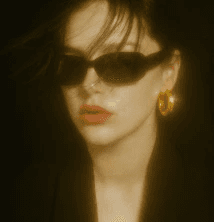
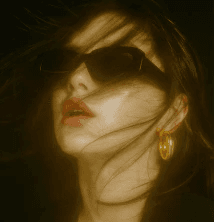
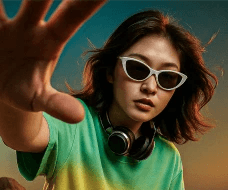
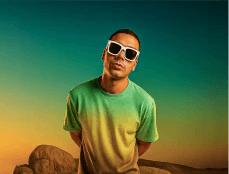
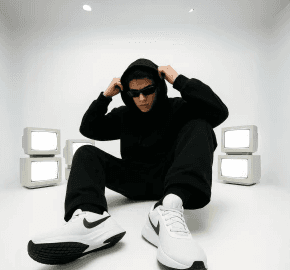
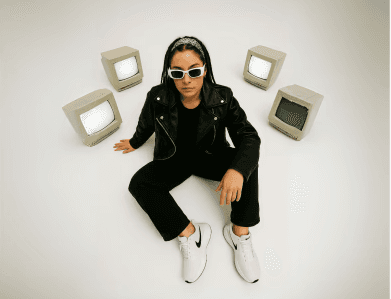
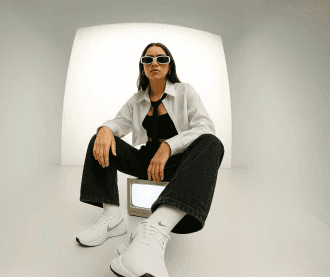
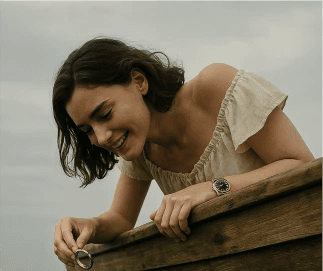
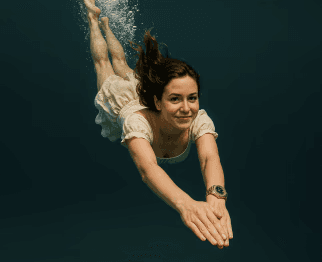
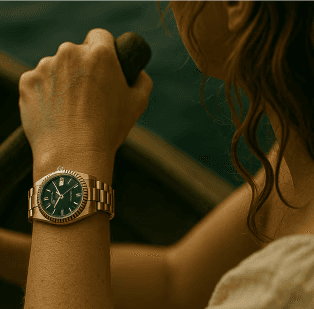
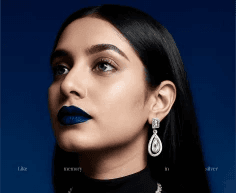
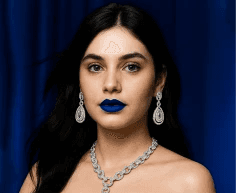
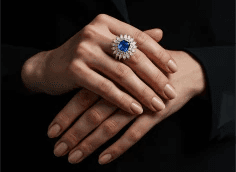
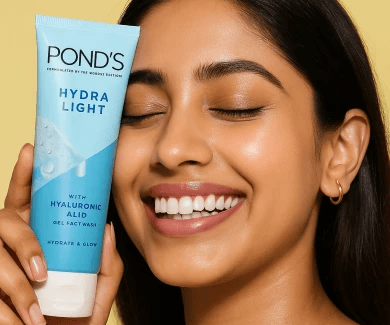
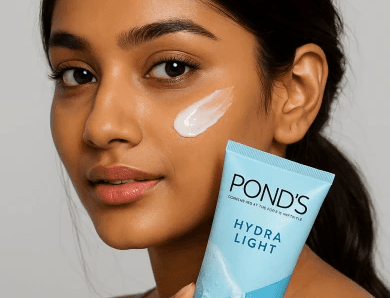
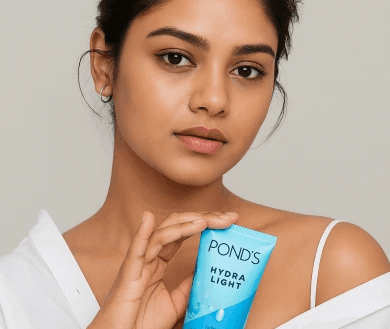
These are real visuals created using the exact methods taught inside the course — using only free AI tools. No Photographer, No designers. No paid subscriptions.

Student Results
Student Results
Student Results

Real Results from Real Business Owners

Feedback from small business owners who learned how to create professional, high-quality visuals using free AI tools through this course.

Client profile
Trusted by Small Business Owners

Built for real brands, not AI experts

Process
Process
Process

Your Complete AI Product Photoshoot System

Learn how to create professional, studio-style product visuals using AI — without photographers, expensive shoots, or technical knowledge.

Step #1

Define Your Visual Direction

Before generating anything, you set the creative direction. Choose the mood, lighting style, background, camera angle, and overall aesthetic that fits your brand. This step replaces guesswork with intention — just like a real art director would do before a shoot.

Step #1

Define Your Visual Direction

Before generating anything, you set the creative direction. Choose the mood, lighting style, background, camera angle, and overall aesthetic that fits your brand. This step replaces guesswork with intention — just like a real art director would do before a shoot.

Step #1

Define Your Visual Direction

Before generating anything, you set the creative direction. Choose the mood, lighting style, background, camera angle, and overall aesthetic that fits your brand. This step replaces guesswork with intention — just like a real art director would do before a shoot.

Step #2

Generate a Professional Prompt

Once your visual direction is clear, generate a structured prompt using the Prompt to Product system. The prompt translates your creative decisions into AI-ready language, ensuring realistic lighting, composition, and consistency — without writing long or confusing prompts.

Step #2

Generate a Professional Prompt

Once your visual direction is clear, generate a structured prompt using the Prompt to Product system. The prompt translates your creative decisions into AI-ready language, ensuring realistic lighting, composition, and consistency — without writing long or confusing prompts.

Step #2

Generate a Professional Prompt

Once your visual direction is clear, generate a structured prompt using the Prompt to Product system. The prompt translates your creative decisions into AI-ready language, ensuring realistic lighting, composition, and consistency — without writing long or confusing prompts.

Step #3

Create Studio-Quality AI Visuals

Use your prompt to generate high-quality product visuals that look professionally photographed. This step focuses on clean compositions, realistic details, and premium aesthetics — no over-styled or fake-looking images.

Step #3

Create Studio-Quality AI Visuals

Use your prompt to generate high-quality product visuals that look professionally photographed. This step focuses on clean compositions, realistic details, and premium aesthetics — no over-styled or fake-looking images.

Step #3

Create Studio-Quality AI Visuals

Use your prompt to generate high-quality product visuals that look professionally photographed. This step focuses on clean compositions, realistic details, and premium aesthetics — no over-styled or fake-looking images.

Step #4

Replace AI With Your Real Product

Insert your actual product into the AI-generated scene. Match lighting, shadows, and perspective so the final image looks natural and believable. This is where AI visuals become indistinguishable from real photoshoots.

Step #4

Replace AI With Your Real Product

Insert your actual product into the AI-generated scene. Match lighting, shadows, and perspective so the final image looks natural and believable. This is where AI visuals become indistinguishable from real photoshoots.

Step #4

Replace AI With Your Real Product

Insert your actual product into the AI-generated scene. Match lighting, shadows, and perspective so the final image looks natural and believable. This is where AI visuals become indistinguishable from real photoshoots.

Step #5

Turn Visuals Into Ads & Content

Transform your visuals into marketing assets. Create ads, social posts, and promotional content using ChatGPT and design tools like Photoshop or Canva. Generate multiple variations quickly while keeping your brand visuals consistent and professional.

Step #5

Turn Visuals Into Ads & Content

Transform your visuals into marketing assets. Create ads, social posts, and promotional content using ChatGPT and design tools like Photoshop or Canva. Generate multiple variations quickly while keeping your brand visuals consistent and professional.

Step #5

Turn Visuals Into Ads & Content

Transform your visuals into marketing assets. Create ads, social posts, and promotional content using ChatGPT and design tools like Photoshop or Canva. Generate multiple variations quickly while keeping your brand visuals consistent and professional.

Course Access
Course Access
Course Access

Lifetime Access to the AI Product Photoshoot Course

Get lifetime access to the complete course that teaches you how to create studio-quality product visuals using AI — without photographers or expensive photoshoots.

Indians
Global Users

Prompt To Product Course – Full Access

Complete AI Generative Course

Your personal creative director. Create ultra-detailed, studio-grade AI visuals without learning complex prompt engineering. Perfect for beginners, creators, designers, and e-commerce brands.

Lifetime access to all course modules
Step-by-step product photoshoot system
Learn product lighting, angles & composition
Real product integration into AI scenes
Techniques to remove the “AI look”
Create visuals for ads, websites & social media
Beginner-friendly (no prior skills needed)
Personal WhatsApp support for doubts & questions
₹2499/-
Get Instant Access
Get Instant Access
Indians
Global Users

Prompt To Product Course – Full Access

Complete AI Generative Course

Your personal creative director. Create ultra-detailed, studio-grade AI visuals without learning complex prompt engineering. Perfect for beginners, creators, designers, and e-commerce brands.

Lifetime access to all course modules
Step-by-step product photoshoot system
Learn product lighting, angles & composition
Real product integration into AI scenes
Techniques to remove the “AI look”
Create visuals for ads, websites & social media
Beginner-friendly (no prior skills needed)
Personal WhatsApp support for doubts & questions
₹2499/-
Get Instant Access
Get Instant Access
Indians
Global Users

Prompt To Product Course – Full Access

Complete AI Generative Course

Your personal creative director. Create ultra-detailed, studio-grade AI visuals without learning complex prompt engineering. Perfect for beginners, creators, designers, and e-commerce brands.

Lifetime access to all course modules
Step-by-step product photoshoot system
Learn product lighting, angles & composition
Real product integration into AI scenes
Techniques to remove the “AI look”
Create visuals for ads, websites & social media
Beginner-friendly (no prior skills needed)
Personal WhatsApp support for doubts & questions
₹2499/-
Get Instant Access
Get Instant Access
FAQ
FAQ
FAQ

Frequently Asked Questions

Everything you need to know before getting started

How does the process work?
What if I want different or more prompts?
How long does it take to create product images?
What’s the difference between the Indian & International plans?
How do I get support if I face issues?
Can I cancel or pause my plan?
Can’t find your answer?
How does the process work?
What if I want different or more prompts?
How long does it take to create product images?
What’s the difference between the Indian & International plans?
How do I get support if I face issues?
Can I cancel or pause my plan?
Can’t find your answer?
How does the process work?
What if I want different or more prompts?
How long does it take to create product images?
What’s the difference between the Indian & International plans?
How do I get support if I face issues?
Can I cancel or pause my plan?
Can’t find your answer?

Template By ❤️ Jax Orion